Now, anyone can animate. Literally. Anyone. And I built a full course to show you how.

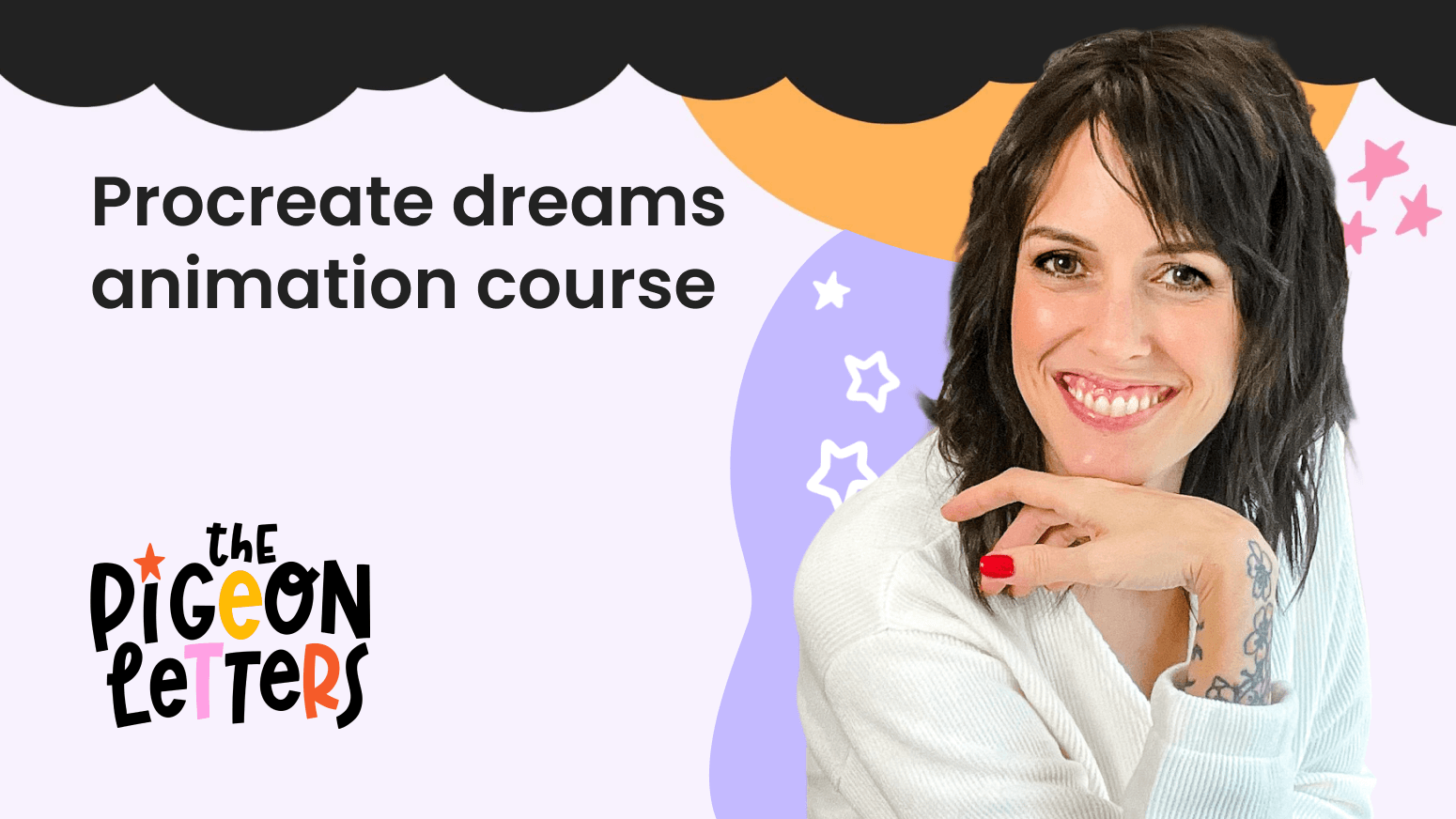
Procreate Dreams Animation Course
I didn't like animating before. But now it's easy!
Procreate Dreams takes familiar animation tools and turns them up to 11, delivering a powerhouse of features and user-friendly tools that will have you creating professional-level animations with ease.
Not only will you have the tried and true frame-by-frame AND keyframing capabilities, but you’ll now be able to control your animation AS IT PLAYS (sorry for yelling).
Now, you have the ability to create a full animation from ONE drawing.
Outcomes
- Get familiar with Procreate Dreams
- Learn 3 different ways to animate your illustrations
- Learn how to add special effects
- Bring new life to existing artwork
What's included?
Procreate Dreams Interface
I'll walk you through the entire interface and show you how to use it.
Animation Styles in Procreate Dreams
I'll show you different ways to create animations so you can pick the one that you love the most (and how you can bring new life to your existing artwork!).
Special Effects
I'll teach you how to use my favorite special effects to make your animations pop.
BONUS: Cheat Sheet
I couldn't resist including a bonus: a cheat sheet guide for you to reference any time you get stuck or want to check Procreate Dreams gestures.
Courses
Procreate Dreams Animation
3 sections • 31 lessons
Who is this for?
- Beginner animators
- Digital artists that want to learn animation
- Anyone that is curious about Procreate Dreams